Hello Axel,
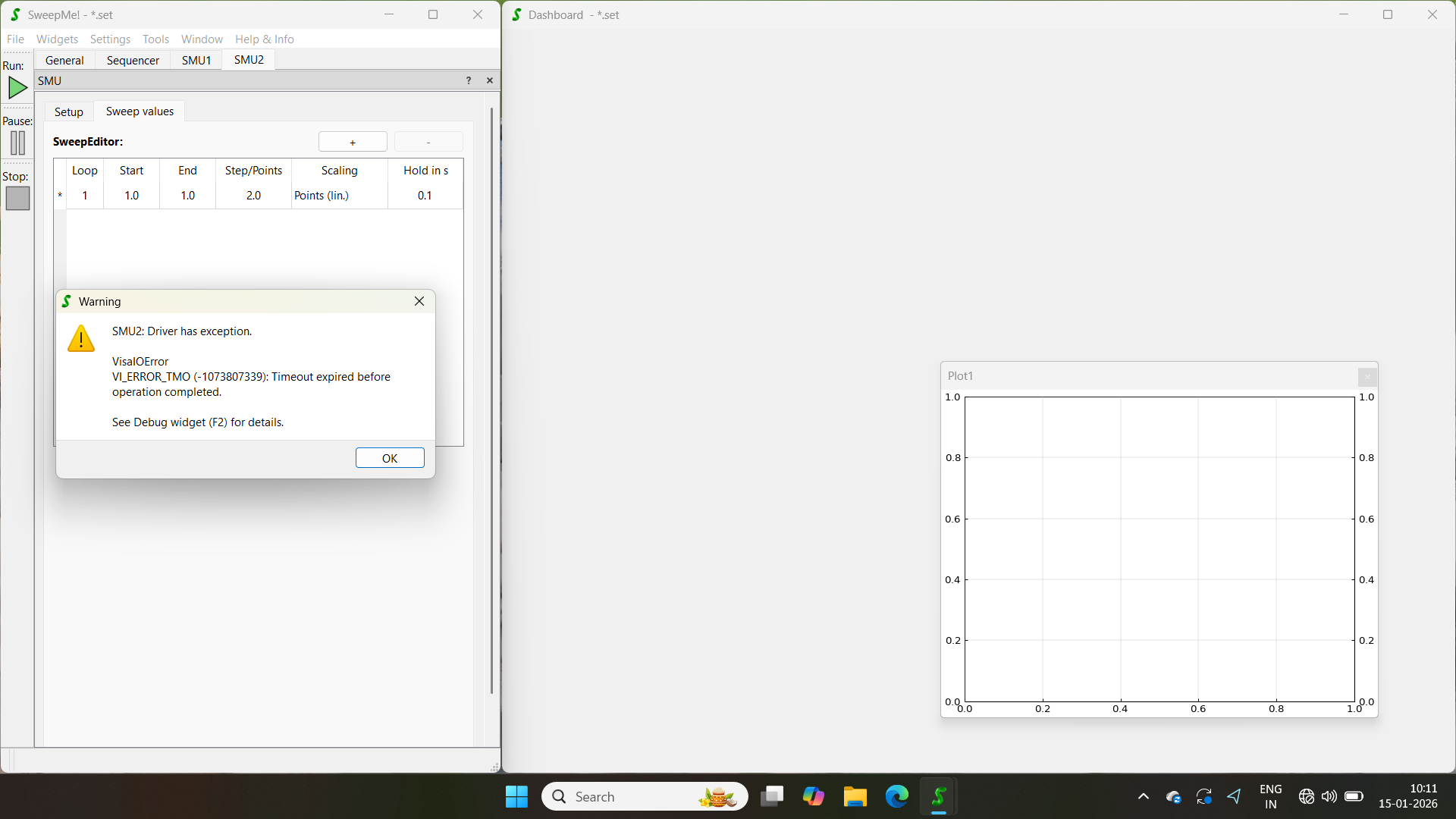
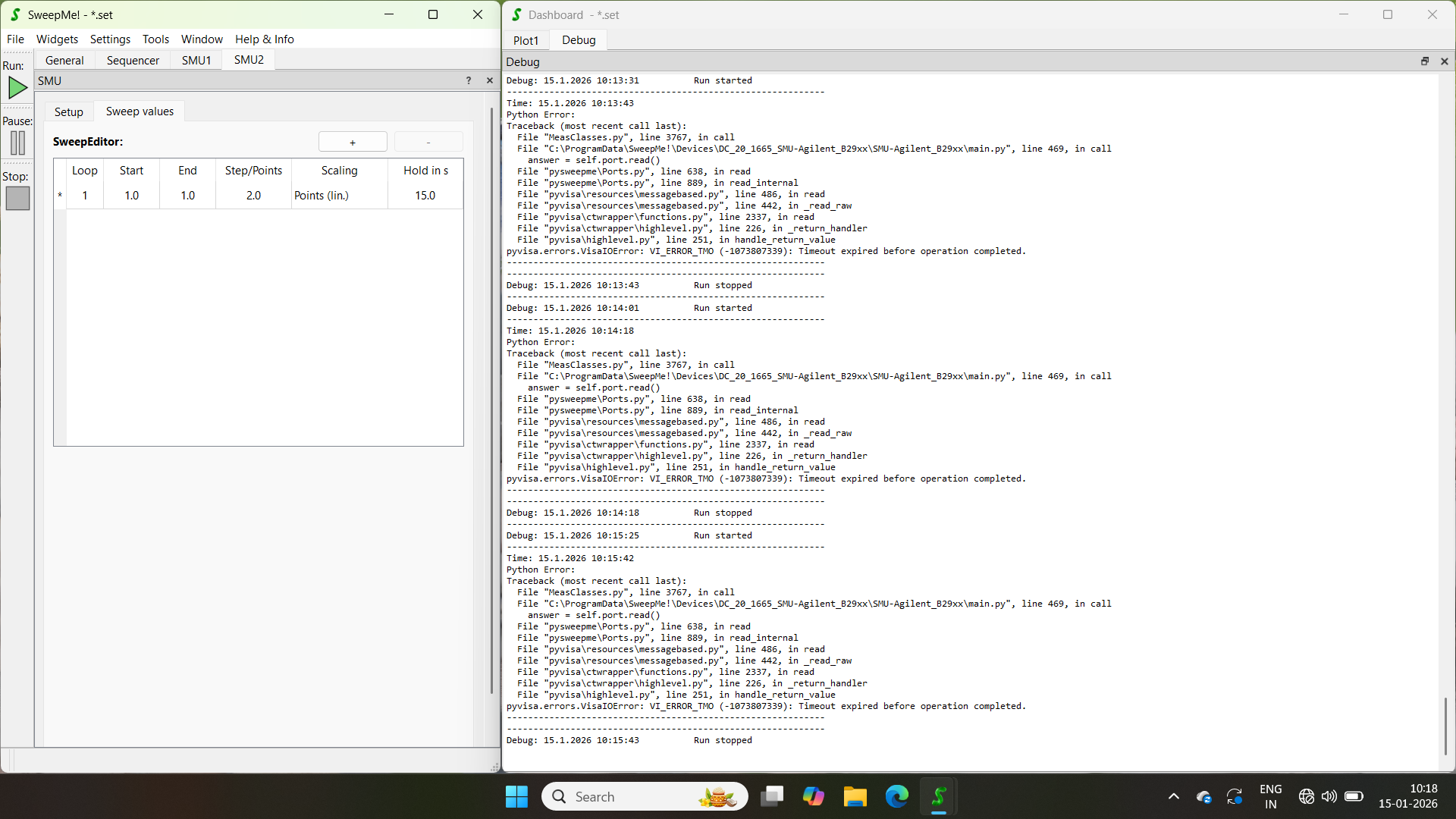
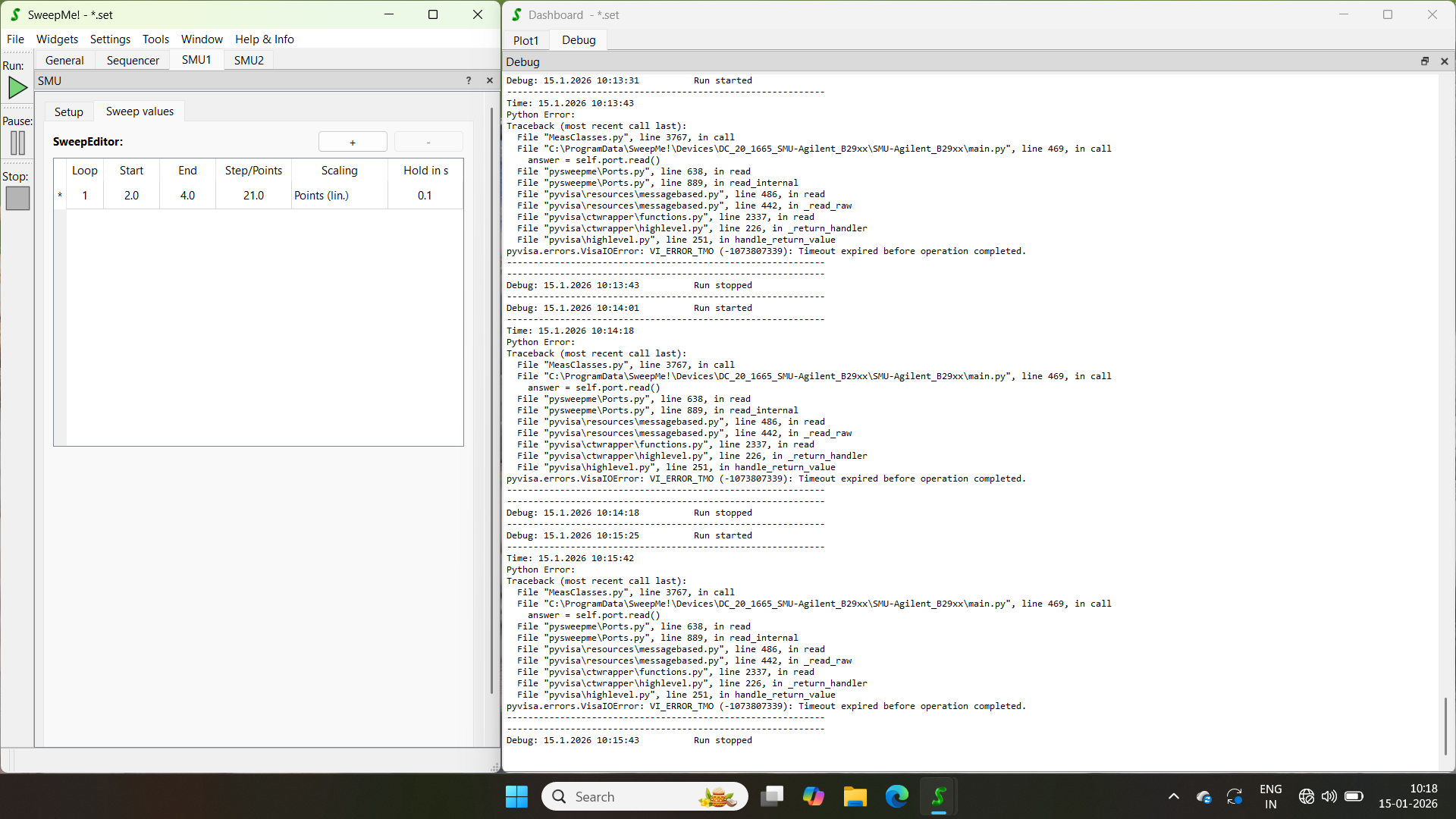
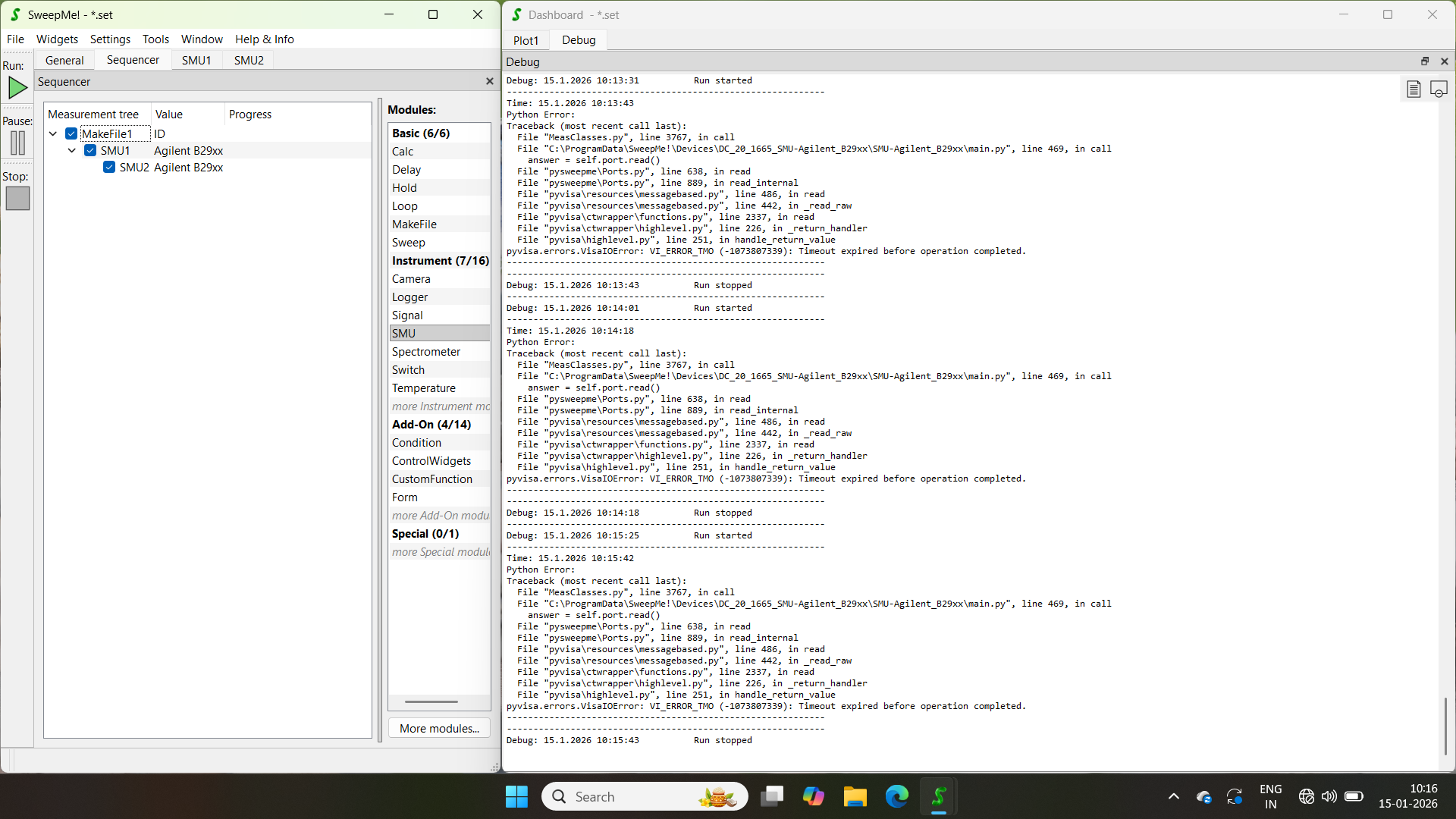
I’m facing a issue regarding the runtime error while measuring the I/V characteristic of FET. While measuring the I/V characteristic of Resistor, i didn’t come across this type of error. I have attached the images for your reference.
Hello Axel,
I’m facing a issue regarding the runtime error while measuring the I/V characteristic of FET. While measuring the I/V characteristic of Resistor, i didn’t come across this type of error. I have attached the images for your reference.
Hi Nilesh,
thanks for reporting this issue!
Have you been able to measure a few points or does the error comes right after trying to measure the first point?
Timeout errors can have different reasons. One is that a measurement takes longer than the timeout adjusted in the driver. This can happen if you use long integration times.
The timeout value is currently commented out in the driver, which means it falls back to a default timeout of 1 s.
You could test to change the speed/integration settings to see whether a measurement with “Very fast” leads to a return of measurement data before the timeout is reached.
Alternatively, one can create a custom version of the driver using menu “Tools” → “Version manager”. Then navigate to the driver, right-click on the currently active local version of the driver and use the action “Create custom version”. You will now use a copy of the driver that you can modify. Here you are free to change the above mentioned line 58 in the code to increase the timeout if long integration times are needed.
A next thing would be to figure out whether a basic communication is already possible with the instrument. Go to menu “Tools” → “Port manager”. Search for your USBTMC resource and make a right-click on it and use the action “Retrieve identification”. Afterwards an identification string should be visible in the Port manager. This would indicate that the instrument basically receives messages from SweepMe! and answers them.
A further debugging tool is the Keysight IO Monitor that comes with the Connection Expert of the Keysight IO Libraries:
This tool can be used to trace VISA runtime communication. You can run a measurement and see whether there are any errors.
Hope this helps as some first steps to narrow down the cause of the problem.
Best, Axel
Hi Axel,
The timeout error occurs at the end of the run and simultaneously there is no real time plot shown. Thank you for suggesting me the solutions. I’ll go through it and let you know what’s working and what’s not.
Thanks for the further Info.
It means you can see the progress in the sequencer and a change of voltage at the instrument but no real time plot?
Have you tried to add a plot to the dashboard and configured it to show your data e.g. current vs voltage?
Interesting to hear that the error comes at the the end of the run or do you mean the error message pops up right after the measurement was stopped. I actually expected that the measurement stopped right after trying to read out the first measurement point.
Let me know if you can figure something out.
Best, Axel
Hi Nilesh,
I hope you had a chance to figure it out. If you still have problems, please let us know as such problems should not happen.
Thanks and best
Axel
Hi Axel,
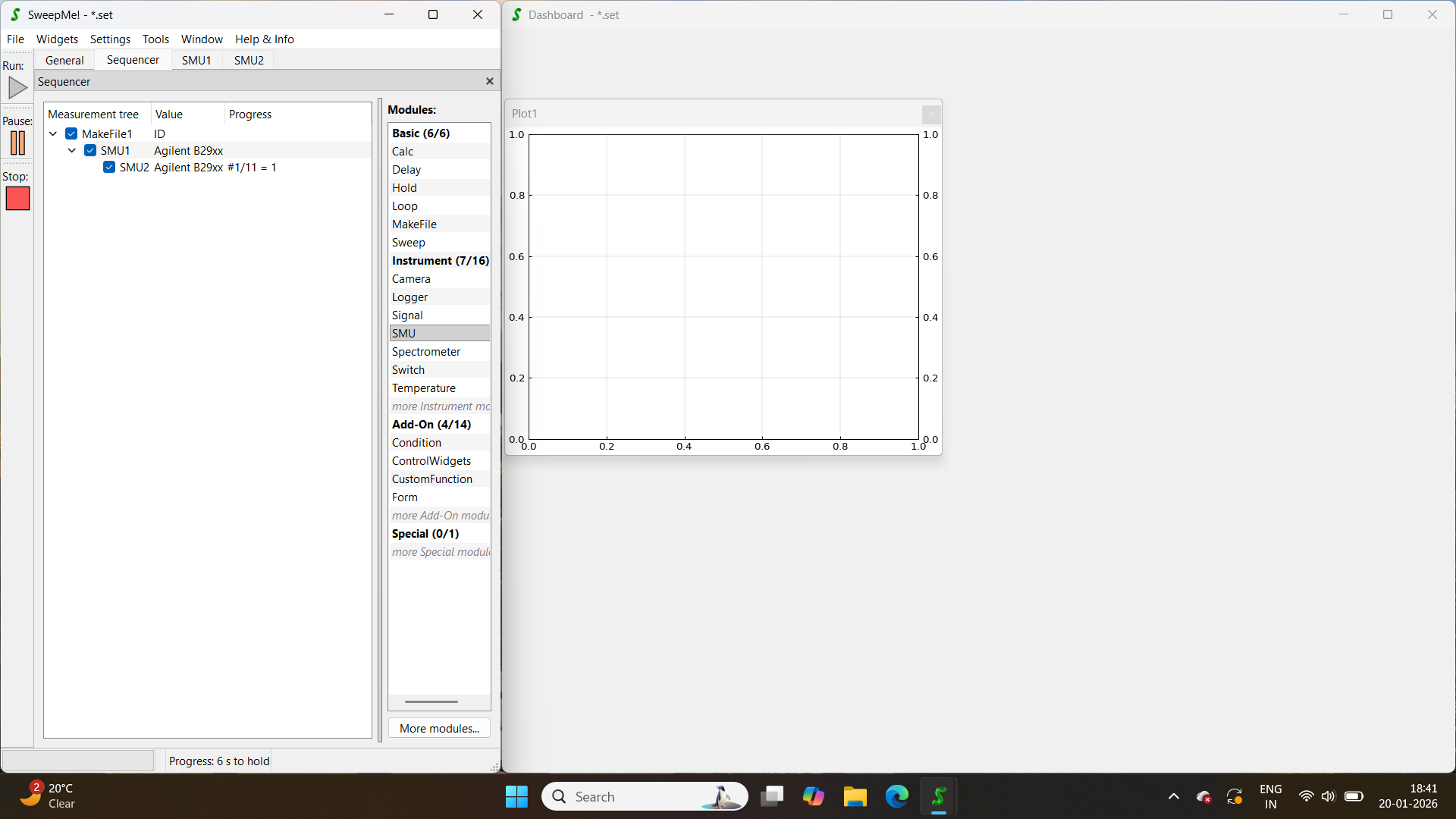
Sorry for the late response, I was busy with other work. Well, I created a custom version of the driver and increased the timeout from 10 to 50, but I’m still facing the same issue. Actually, the execution is stopping at the first point itself. I have uploaded a screenshot, which i took during the execution, where only 1 point out of the 11 has been executed. Please do let me know what should i do next?
Hi Nilesh,
thanks for the update!
Because we want to make sure it is really easy to get started with SweepMe!, I would like to see the problem on my own as this is unusual to have a timeout.
I will send you a direct message and in the best case we can have a look during a videomeeting and inform other users here again when the problem is solved.
Best, Axel
Hi everyone,
we did some quick testing together this morning and it turned out that the measurement with a single channel of the B29xx driver works just fine. However, when using two channels, the measurment fails at the first point.
Reason is that the answers of the individual MEAS? command for each channel have been readout completely by the first channel and the second instance of the driver trying to read out the result was missing an answer.
We quickly fixed it by moving MEAS? command to the same function where the port readout happens, but basically it should have work as is.
This is a problem of the driver which seems not being able to read from 2 channels although this should work as implemented. It remains unclear whether this is an issue related to USBTMC.
We will have a look at the problem and report if we can figure out something.
Best, Axel
It is likely that the problem is related to how reading messages works for USBTMC. While other ports allows to read one answer after another, e.g. always until the terminator character, it looks like that USBTMC does read out the buffer message-wise but the entire content.
This is why the B29xx probably works with GPIB, but might fail with USBTMC. If this is the case, the driver can remain as is and we need to check whether we can modify our Port Manager to implement a message-wise readout.
I will keep you updated.
After some more research, it seems that splitting behavior of messages via USBTMC depends on the implementation of the VISA runtime. This means that depending on whether you are e.g. using the NI-VISA or Keysight IO libraries, the SweepMe! driver can behave differently.
This can basically also affect other instrument drivers that support multiple channels over the same communication port and GPIB communication.
A straightforward solution would be to rewrite the drivers by using a read-write-read-write scheme instead of the write-write-read-read scheme when using two channels. This is safe but at the cost of operation speed as each channel is triggered one after another.
We are still checking whether we can find a solution where the SweepMe! Port Manager handles the issue before the driver even notices it.
We have now decided to change the B29xx driver such that each channel is writing and reading within one semantic phase of the driver so that ne message is lost.
An update driver is now available and can be downloaded. With that, the Keysight B2900 series SMU can be used in SweepMe! with multiple channels independent from the used communication interface.
Thanks again for reporting the issue!
Best, Axel
Thanks for the improvement of the driver, Axel. We have used the B2902B SMUs on GPIB as well as USB, but in any case via the NI VISA interface. However, because we observed an influence of CH2 on CH1 when using the pulsing function, using both channels on one single instrument has seen only rare use (we can use two independing units) and I would not be able to correlate when they were connected via USB or GPIB, although we’ve somehow settled on GPIB for quite some time now.
Christian
Hi Christian,
thanks for your comment!
Probably, if you like to pulse with two channels in a synchronous way, I guess that one needs to configure both pulses and one driver instance needs to eventually trigger the whole pulse sequence. Then, it also might be that one driver instance retrieves all results and must share it with the other driver instance of the second channel. This is all possible with SweepMe! drivers using the self.device_communication dictionary that each driver instance has access to. We have implemented such a handling for example for the Keithley 2600 series SMUs.
Feel free to open a new issue if this becomes a topic for you in future.
Thanks and best
Axel