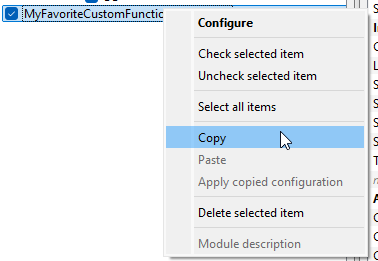
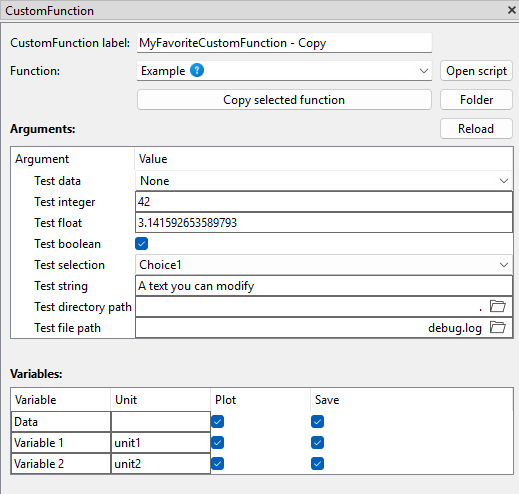
When I make a copy like this, the new instance contains the Example function. In order to get the copy I wanted, I need to select my own custom function again and enter all settings.
This is a known limitation with the current copy & paste functionality. At the moment, it only works for static fields of modules in principle — meaning elements that are always visible in the GUI regardless of user interaction. CustomFunction is different in that its fields are generated dynamically based on the selected script, which makes it more complex to support.
We decided to release copy & paste in its current form because it already provides a lot of value for simpler modules like instrument configurations. Extending it to handle dynamic cases like CustomFunction is planned, but not yet implemented.
For now, unfortunately, there’s no workaround for copy&paste of CustomFunction configurations.